Intro post:
Managing multiple social media accounts can feel like juggling flaming torches while riding a unicycle. You’re constantly switching between platforms, trying to post at optimal times, and scrambling to keep your content calendar full. If this sounds familiar, you’re not alone.
The good news? Scheduling your social media posts doesn’t have to be overwhelming. With the right approach and tools, you can reclaim hours of your week while maintaining a consistent, engaging presence across all platforms.
Why Scheduling Matters More Than You Think
Before we dive into the how, let’s talk about why scheduling is essential for social media managers in 2026.
Consistency is the backbone of social media success. Your audience expects regular content, and algorithms favor accounts that post consistently. But posting manually multiple times a day across different platforms isn’t sustainable. You’ll burn out, miss optimal posting times, and struggle to maintain quality.
This is especially true for those managing accounts for small businesses or multiple clients. As highlighted in recent discussions about how small businesses can create daily social media content without burning out, the key is working smarter, not harder.
Step 1: Batch Create Your Content
The biggest time-saver in social media management is batch creation. Instead of creating content daily, set aside dedicated blocks of time to create multiple posts at once.
Here’s how to do it effectively:
Set a weekly or bi-weekly creation session. Block out 2-3 hours where you focus solely on content creation. During this time, write captions, design graphics, and gather all the assets you’ll need.
Create content themes for each day. Monday could be motivational quotes, Wednesday for tips, Friday for behind-the-scenes content. This structure makes batch creation easier because you’re not starting from scratch each time.
Use templates. Whether it’s Canva templates for graphics or caption formulas for copy, templates speed up your workflow dramatically.
Step 2: Choose the Right Scheduling Tools
Not all social media tools are created equal. The right tool depends on your specific needs, budget, and the platforms you manage.
Look for tools that offer:
- Multi-platform posting (Instagram, Facebook, LinkedIn, Twitter/X, TikTok)
- Visual calendar view so you can see your content at a glance
- Best time to post recommendations based on your audience data
- Mobile app access for on-the-go adjustments
- Analytics integration to track performance
Popular options include Buffer, Hootsuite, Later, and Sprout Social. Many offer free plans for managing a limited number of accounts, which is perfect if you’re just starting out.
The key is finding a tool that fits naturally into your workflow rather than adding complexity.
Step 3: Plan Your Posting Schedule
Random posting won’t cut it. You need a strategic schedule based on when your audience is most active.
Start by analyzing your platform insights. Every major social platform provides data on when your followers are online. Use this information to identify your best posting windows.
General guidelines (though always check your own data):
- LinkedIn: Tuesday to Thursday, 9 AM to 12 PM
- Instagram: Monday to Friday, 11 AM and 7-9 PM
- Facebook: Tuesday to Thursday, 1-3 PM
- Twitter/X: Wednesday and Friday, 9 AM to 3 PM
Don’t just post once and disappear. Plan for 1-3 posts per day depending on the platform. Instagram and TikTok users expect daily content, while LinkedIn audiences prefer quality over quantity.
Step 4: Build Your Content Calendar
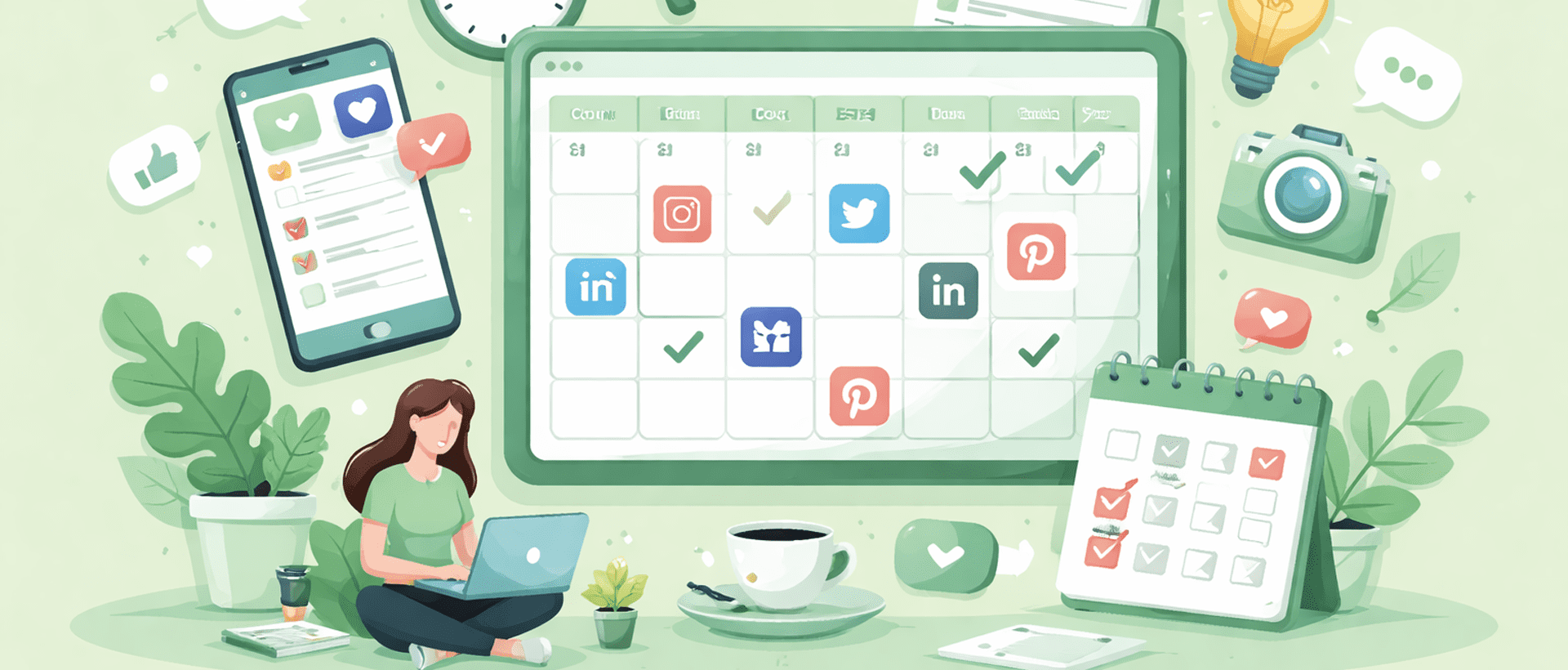
A content calendar is your roadmap. It helps you visualize what’s going out, when, and where.
Start simple with a spreadsheet or use your scheduling tool’s built-in calendar. Include:
- Post date and time
- Platform
- Content type (video, image, carousel, link)
- Caption with hashtags
- Any links or CTAs
- Status (draft, scheduled, published)
Plan at least two weeks ahead, but leave room for real-time content. Current events, trending topics, and timely responses are what make social media social.
The importance of having a clear content strategy cannot be overstated. Understanding why social media writing matters more than ever in 2026 helps you create content that truly resonates with your audience.
Step 5: Schedule in Batches
Once you have your content created and your calendar planned, it’s time to schedule.
Set aside one session per week to upload and schedule all your posts. This typically takes 1-2 hours, depending on volume.
Pro tip: Schedule your evergreen content first, then layer in timely or promotional posts. This ensures you always have something going out, even during busy weeks. Use Social media scheduling tools to make the process easier.
Don’t schedule everything months in advance. Two to four weeks is the sweet spot. This gives you flexibility to adjust based on performance, trending topics, or unexpected events.
Step 6: Leave Room for Real-Time Engagement
Here’s where many social media managers make a mistake: they schedule everything and forget about the “social” part of social media.
Scheduling posts is just half the job. You still need to:
- Respond to comments and messages promptly
- Engage with other accounts in your niche
- Jump on trending topics when relevant
- Monitor brand mentions
- Adjust your strategy based on what’s working
Set aside 20-30 minutes twice a day for real-time engagement. Morning and evening work well for most audiences.
Step 7: Review and Optimize
Your scheduling strategy should evolve based on data.
Every month, review your analytics:
- Which posts got the most engagement?
- What posting times performed best?
- Which content types resonated with your audience?
- Where did you see drop-offs?
Use these insights to refine your content calendar and posting schedule. Social media is constantly changing, and what worked last quarter might not work today.
Common Scheduling Mistakes to Avoid
Even with the best tools and intentions, it’s easy to fall into these traps:
Over-scheduling. Quality beats quantity every time. Three great posts per week trump seven mediocre ones.
Ignoring time zones. If you have a global audience, schedule posts for different time zones or focus on when the majority of your audience is active.
Setting and forgetting. Scheduled posts still need monitoring. Always check that posts went live correctly and engage with any early comments.
Neglecting platform-specific content. What works on LinkedIn won’t necessarily work on TikTok. Tailor your content for each platform even when scheduling the same topic.
Final Thoughts
Efficient social media scheduling isn’t about automation for automation’s sake. It’s about creating a sustainable workflow that lets you show up consistently for your audience while preserving your sanity.
Start with one or two platforms, master the scheduling process, then expand. Use the time you save to focus on strategy, creativity, and genuine engagement.
Remember, the best social media managers aren’t the ones posting 24/7. They’re the ones posting strategically, engaging authentically, and continuously learning from their data.
Your move: pick one scheduling tool this week, batch create five posts, and schedule them for the next week. You’ll be amazed at how much mental space this frees up.


